Arrays and Lists
So far we’ve only dealt with components that have a single instance of the components they’re composed from. For example, we’re only showing a single Newsfeed story, and within that story there’s just a single author with a single profile picture. Let’s look at how to handle more than one of something.
GraphQL includes support for arrays, which in GraphQL are called lists. A field can be not only a single scalar value but an array of them, or not only a single edge but an array of edges. The schema specifies whether each field is a list or not, but, oddly, the GraphQL query syntax doesn’t distinguish between selecting a singular field and selecting a list — a quirky exception to the design principle that a GraphQL response should have the same shape as the query.
Request:
query MyQuery {
  viewer {
    contacts { // List of edges
      id // field on a single item
      name
    }
  }
}
Response:
{
  viewer: {
    contacts: [ // array in response
      {
        id: "123",
        name: "Chris",
      },
      {
        id: "789",
        name: "Sue",
      }
    ]
  }
}
As it happens, the schema in our example app has a topStories field that returns a list of Stories, as opposed to the topStory field we're currently using that returns just one.
To show multiple stories on our newsfeed, we just need to modify Newsfeed.tsx to use topStories.
Step 1 — Select a list in the fragment
Open Newsfeed.tsx and find NewsfeedQuery. Replace topStory with topStories, and run npm run relay.
const NewsfeedQuery = graphql`
  query NewsfeedQuery {
    topStories {
      ...StoryFragment
    }
  }
`;
Step 2 — Map over the list in the component
In the Newsfeed component, data.topStories will now be an array of fragment refs, each of which can be passed to a Story child component to render that story:
export default function Newsfeed({}) {
  const data = useLazyLoadQuery<NewsfeedQueryType>(NewsfeedQuery, {});
  const stories = data.topStories;
  return (
    <div className="newsfeed">
      {stories.map(story => <Story story={story} />)}
    </div>
  );
}
Step 3 — Add a React key based on the node ID
At this point, you should see multiple stories on the screen! It's beginning to look like a proper newsfeed app.
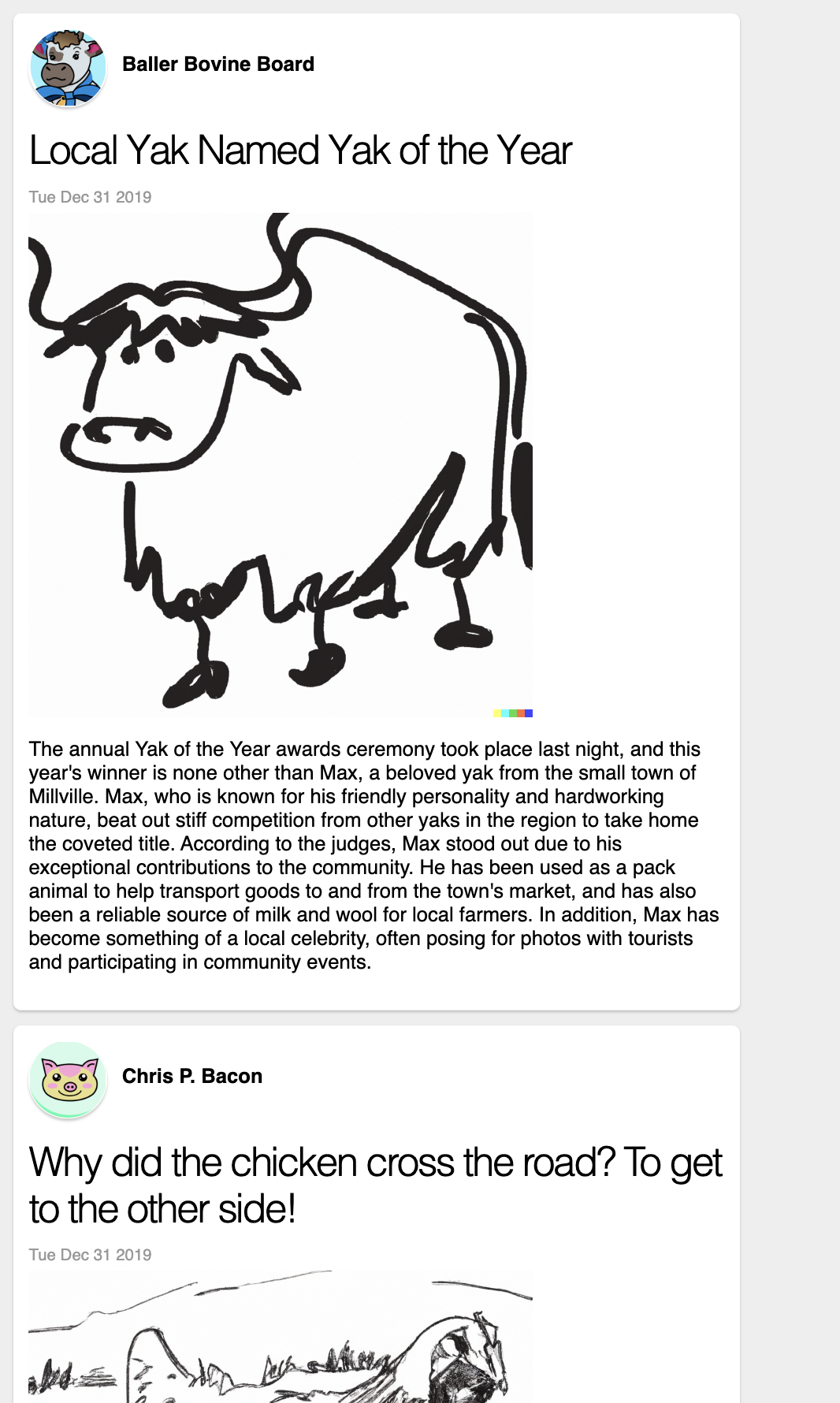
However, we're also getting a React warning that we're rendering an array of components without providing a key attribute.

It's always important to heed this warning, and more specifically to base keys on the identity of the things being displayed, rather than simply their indices in the array. This allows React to handle reordering and deleting items from the list correctly, since it knows which items are which even if their order changes.
Luckily, GraphQL nodes generally have IDs. We can simply select the id field of story and use it as a key:
const NewsfeedQuery = graphql`
  query NewsfeedQuery {
    topStories {
      id
      ...StoryFragment
    }
  }
`;

...

export default function Newsfeed({}) {
  const data = useLazyLoadQuery<NewsfeedQueryType>(NewsfeedQuery, {});
  const stories = data.topStories;
  return (
    <div className="newsfeed">
      {stories.map(story => (
        <Story
          key={story.id}
          story={story}
        />
      )}
    </div>
  );
}
With that, we've got a collection of Stories on the screen. It's worth pointing out that here we're mixing individual fields with fragment spreads in the same place in our query. This means that Newsfeed can read the fields it cares about (directly from useLazyLoadQuery) while Story can read the fields it cares about (via useFragment). The same object both contains Newsfeed's selected field id and is also a fragment key for StoryFragment.
GraphQL Lists are only the most basic way of dealing with collections of things. We’ll build on them to do pagination and infinite scrolling later in the tutorial, using a special system called Connections. You’ll want to use Connections in most situations where you have a collection of items — although you’ll still use GraphQL Lists as a building block.
Onward!